
Fust Survival Sleeping Bags, Respawning and Loot Recovery
Last updated:
A Sleeping Bag gives you a way to return to your base after dying in Fust Survival. Set one up before you leave, then use the death screen and map to get back to your belongings.
Place a Sleeping Bag Before You Need It
- Gather 30 Cloth. You can collect Cloth from Hemp.
- Press Q to open Crafting, select Sleeping Bag, and craft it. You do not need a Workbench.
- Put the finished bag on your hotbar and place it inside your base. It can then serve as a base respawn point.
In a 10x Modded setup, the recipe displays a one-second craft time. To move a placed bag, aim at it and press F when PICK UP appears.
Choose a Ready Bag or the Beach
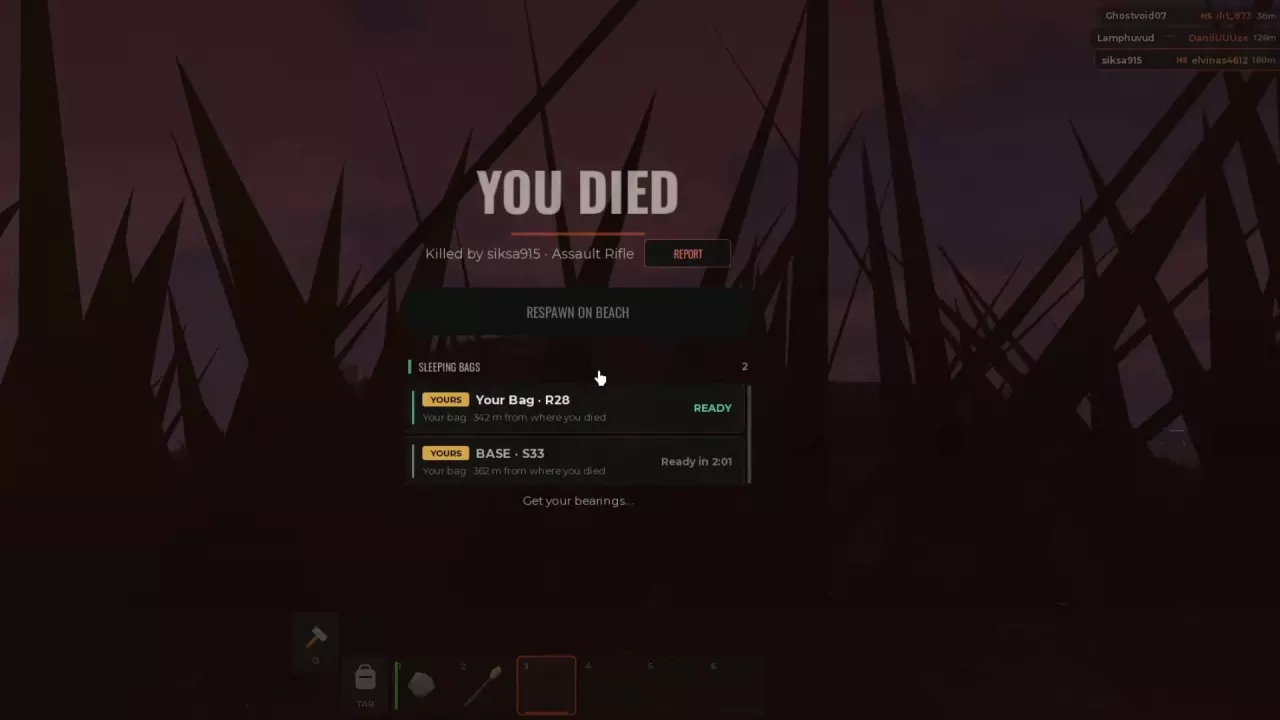
Death costs you the items you were carrying. On the death screen, compare your Sleeping Bag entries by name, grid location, distance from where you died, and availability.
- Select a bag marked READY to wake at its location. Its entry changes to WAKING UP.
- If a bag is cooling down, its entry displays the remaining wait. Choose another ready bag or wait for the one you want.
- Choose RESPAWN ON BEACH if you have no usable bag or prefer to start from the beach.
A base bag is useful when you need supplies before returning; a ready bag closer to the death location can shorten the trip.
Find and Search Your Dropped Belongings
- Press M and find the Death marker using the map legend. Note its position relative to your You marker, then close the map and follow the direction and distance toward it.
- At the location, aim at your dropped inventory bag and press E when LOOT or OPEN appears. Transfer the items you need or select TAKE ALL.
- Look nearby for a separate Small or Large Backpack and open it too. Its contents can be separate from the dropped inventory bag.
- Watch each loot bag's displayed disappearance countdown and make room in your inventory if it fills up.
For more on opening, wearing, and picking up a backpack, see the backpack guide. The map guide covers the other map controls and markers.
Reload and Re-equip Before Fighting Again
Put your armor back on, bring healing supplies, and check both loaded and reserve ammunition before returning to a fight. A recovered gun can still be empty: a Semi-Auto Pistol recovered with a 0/0 ammunition display cannot fire without ammunition.
If you respawn at base, use a spare supply box to replace what you need before heading out. Match ammunition to the weapon and press R to reload; the ammo guide covers ammunition types and resupply.
Related guides
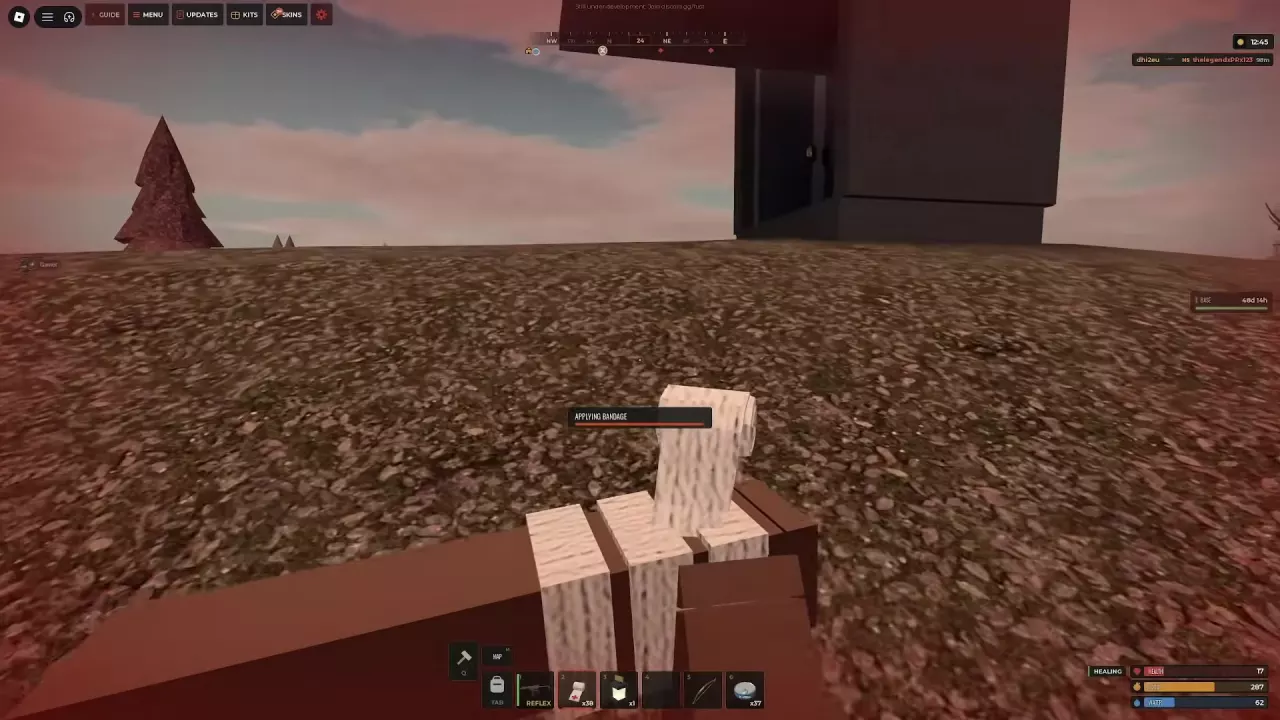
Find food and fresh water in Fust Survival, compare healing supplies, understand salt water's cost, and craft Bandages with 4 Cloth each.
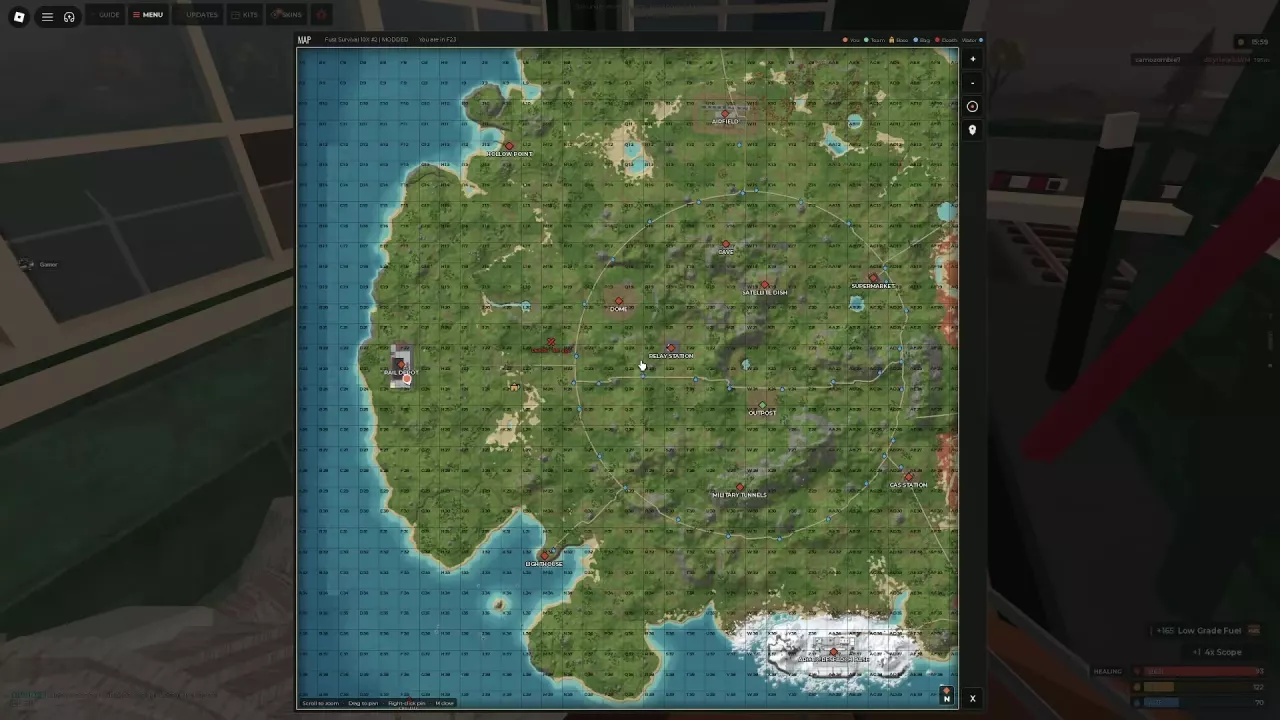
Navigate the Fust Survival map with grid coordinates and markers, find Outpost services, and choose monument routes for your equipment and loot goals.
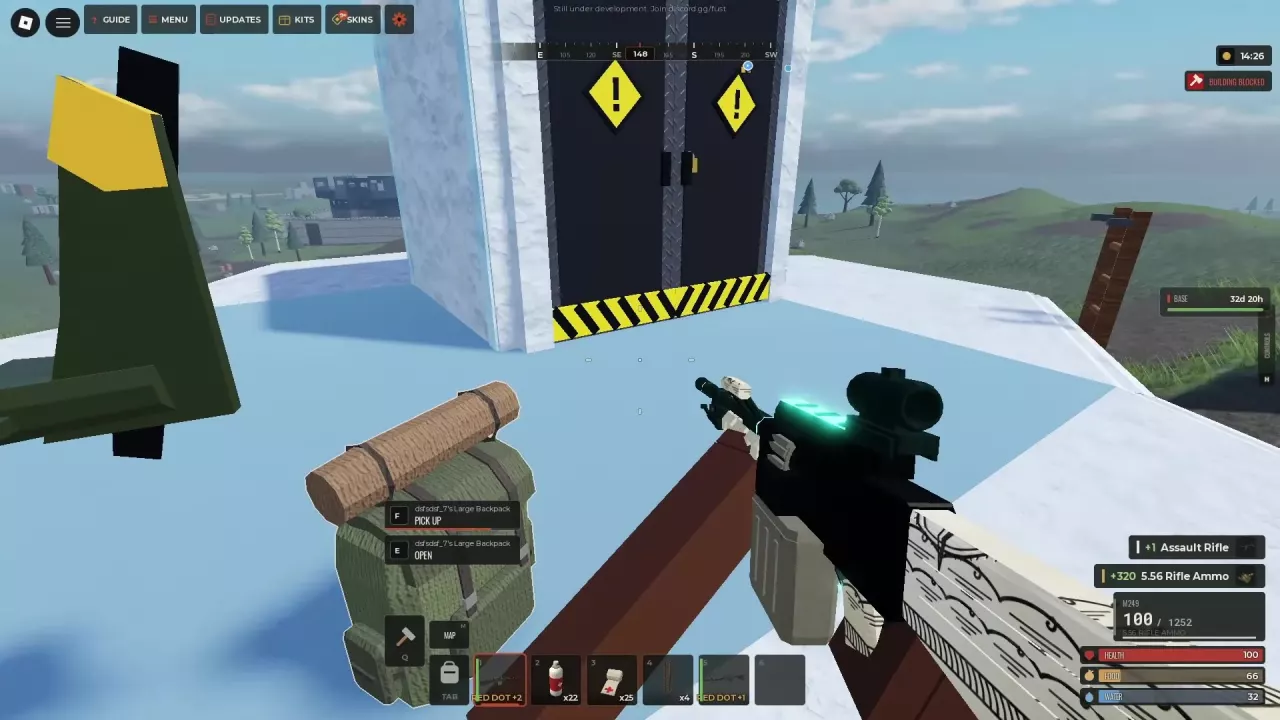
Compare Fust Survival backpack sizes, learn how to equip and open them, and fix pickup messages or a full inventory.
Compare Fust Survival storage capacities, organize and lock boxes, and place them on three-level shelves.
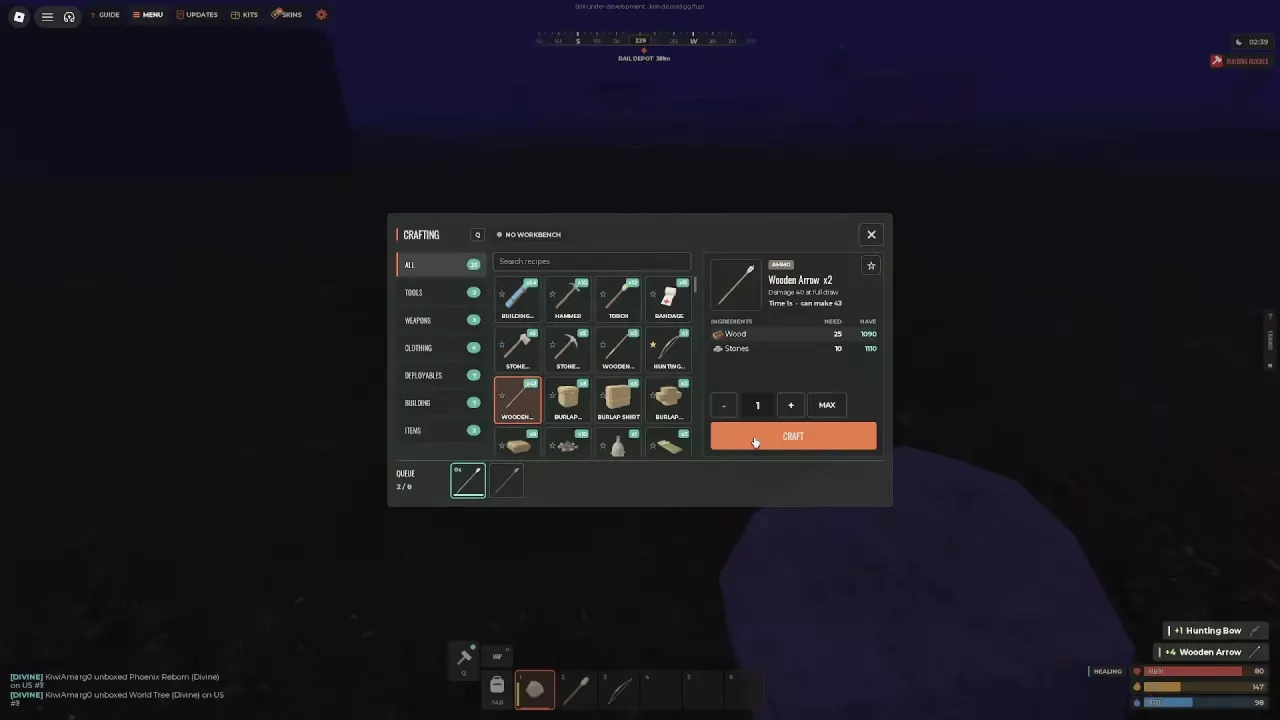
Match Fust Survival ammo types to weapons, craft arrows and Handmade Shells, get Gun Powder, compare HV rounds, and buy or loot fresh supplies.