
Fust Survival Backpacks: Capacity, Equipping and Pickup
Last updated:
A backpack gives you separate storage for loot and supplies in Fust Survival. Choose a size, equip it in the dedicated slot, and learn how to handle backpacks you find on the ground.
Small and Large Backpack Capacity
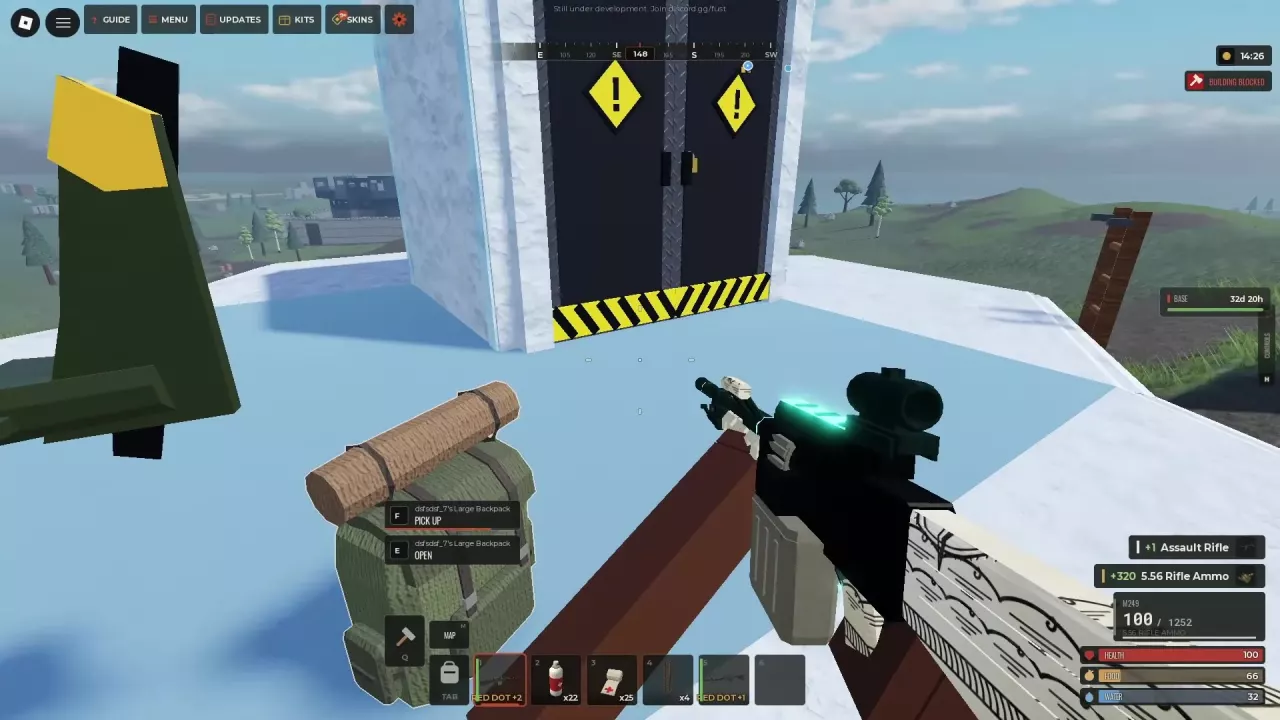
Your personal inventory has 36 slots. With a Small Backpack, you have 48 slots across the two containers; with a Large Backpack, you have 86. The Large Backpack provides 38 more extra slots, making it the better choice when you want to carry more loot on a trip.
Small Backpacks can be found in Military Crates, including at Dome and Oil Rig, or among dropped player belongings. Large Backpacks can be found in Elite Crates and among dropped belongings. See the loot crate guide for more on opening crates.
A dropped player's inventory bag can be separate from their wearable backpack. Its displayed capacity is not necessarily the capacity of a Small or Large Backpack.
Equip, Open and Remove a Backpack
- Open your inventory and drag the backpack into the BACKPACK equipment slot. For a Small Backpack, you can also right-click or double-click the item to wear it.
- Click the equipped backpack slot to open its separate container, then move supplies into it.
- To remove the backpack, right-click it in the equipment slot or drag it out.
If a Small Backpack is taking up a main inventory slot and your BACKPACK slot is empty, equipping it frees that main slot. Move items into the backpack yourself to use its extra space.
Open and Pick Up Ground Backpacks
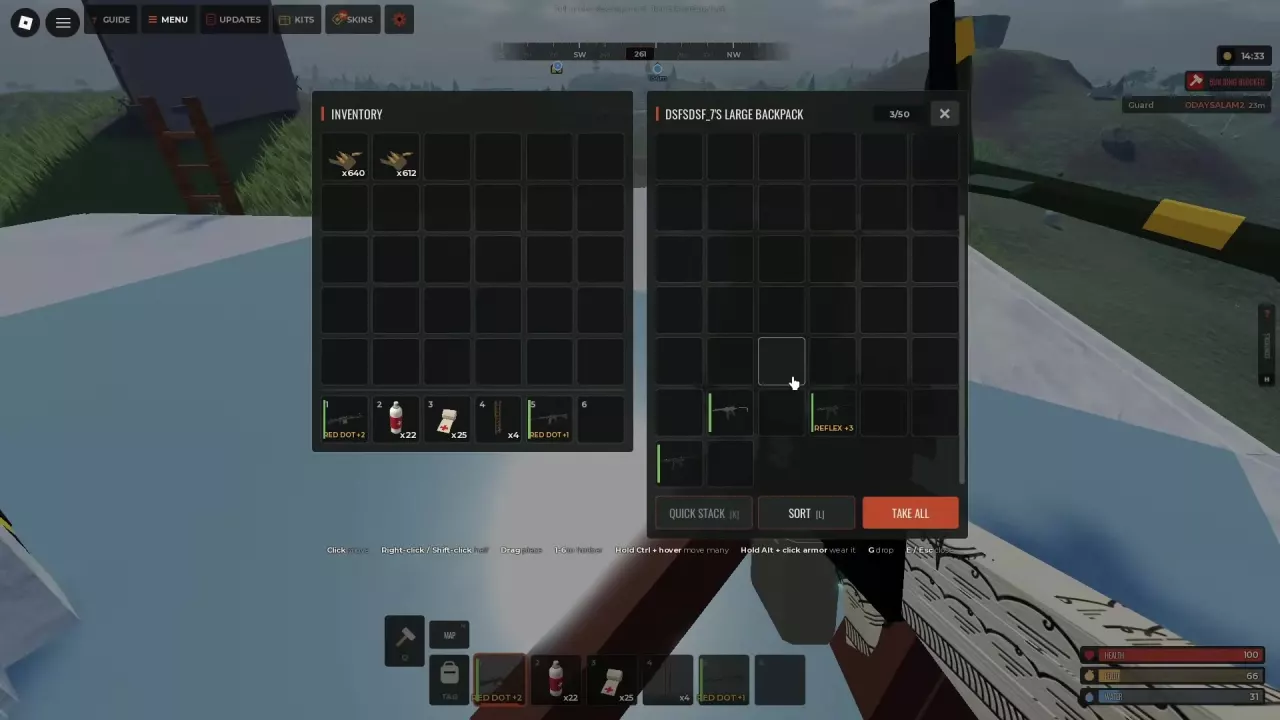
Aim at the backpack and use E OPEN to inspect its contents. Transfer the items you want or use TAKE ALL. F PICK UP attempts to collect the backpack itself.
If a pickup message asks you to empty the backpack, open it and remove everything, scrolling to the bottom before trying F again. For example, a Large Backpack on a rooftop contained two Tactical SMGs and a Custom SMG at the bottom; removing all three allowed it to be picked up.
If you see “Your back is full - empty this backpack first” while wearing a Small Backpack, you can still open the ground backpack and inspect its contents. Check your equipped backpack slot as well.
Make Room When Your Inventory Is Full
- Open your equipped backpack and move supplies into its available slots. If it says No room, free space in that container first.
- At your base, deposit surplus resources, weapons, armor, or components in a storage box, keeping what you need for your next trip.
- Select DROP or drag an item to DROP if you decide you no longer need it.
A full slot count does not always prevent pickup: an item can still join an existing stack with room. If queued crafting displays INVENTORY FULL, free inventory space for the output.
After a death, check both the dropped inventory bag and any separate wearable backpack nearby. Open each and take its contents; watch any disappearance countdown shown on the loot bag. For the return trip and recovery process, see respawning and loot recovery.