
Fust Survival Base Defense: Doors, Locks and Airlocks
Last updated:
Secure your entrance with a door that fits its opening, then add a lock and a second enclosed doorway. Window shutters protect firing positions, while Wooden Barricades provide temporary cover outside.
Doors and Defensive Pieces
Choose the door around the opening you need to close. A Wooden Door fits a Doorway; Wooden Double Doors and Sheet Metal Double Doors fit a Wall Frame.
For double-door durability, the Armored Double Door is the strongest choice among these options, followed by Sheet Metal and then Wood. A stronger door is useful at an entrance you intend to keep, but it should be paired with secure access and a protected surrounding structure.
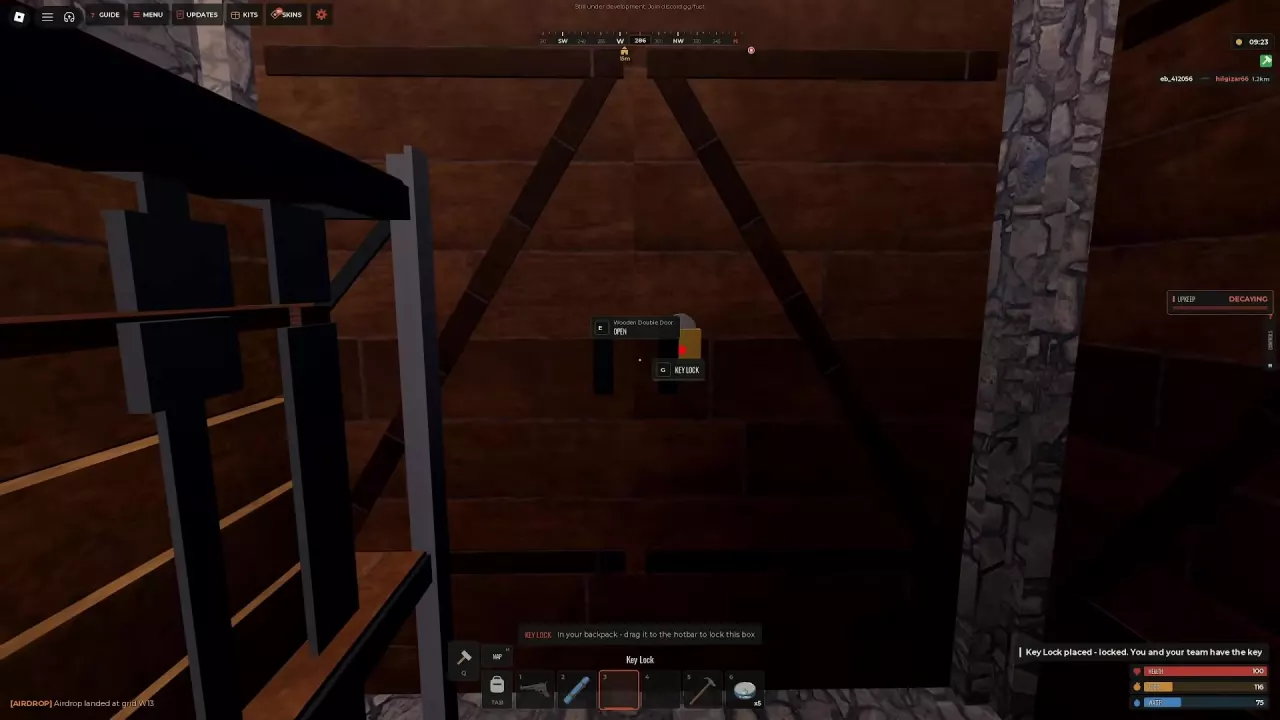
The High Wooden Gate supports a Key Lock and uses E OPEN. The Triangle Ladder Hatch uses E OPEN or E CLOSE, depending on its state. Shutters serve window openings; barricades provide freestanding temporary cover.
-
Wooden Door
- Type
- Single door
- Health
- 200 HP
- Installation
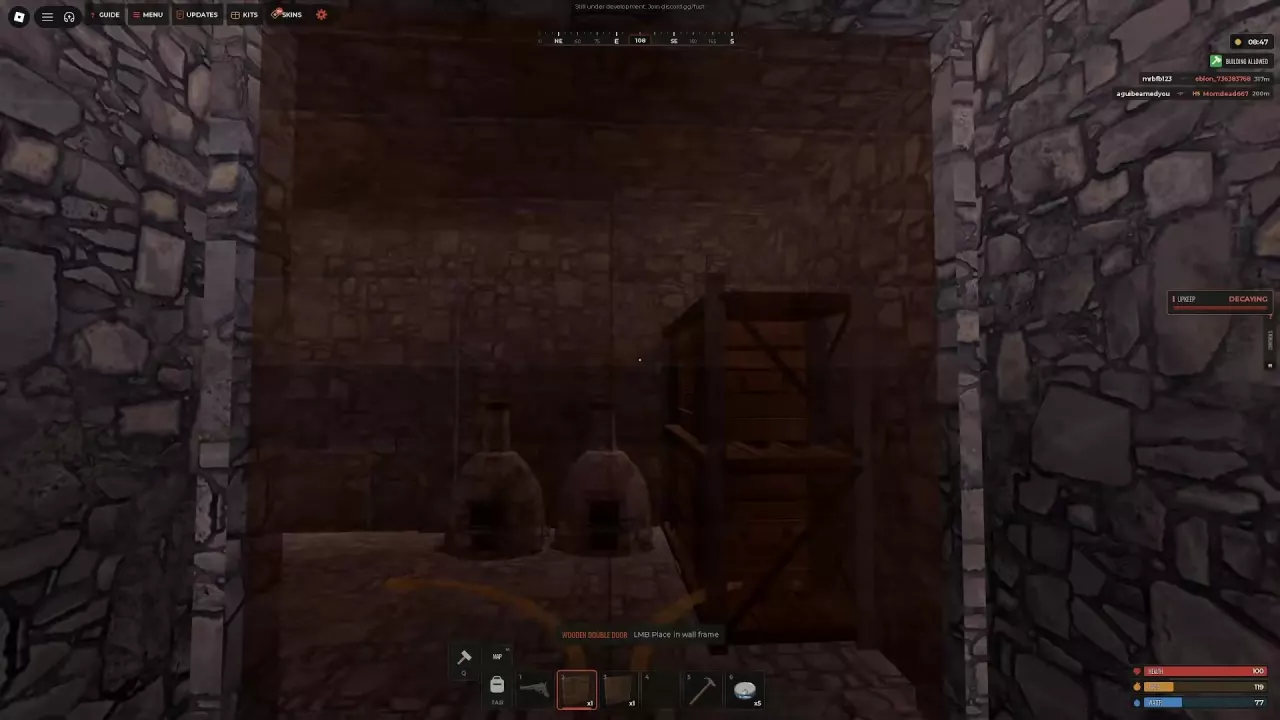
- Aim at a doorway and use LMB Place in doorway. Look at a doorway means the target is not a suitable opening.
-
Wooden Double Door
- Type
- Double door
- Health
- 400 HP (10x server recipe)
- Installation
- LMB Place in wall frame.
-
Sheet Metal Double Door
- Type
- Double door
- Health
- 1000 HP
- Installation
- Install in a Wall Frame.
-
Armored Double Door
- Type
- Double door
- Health
- 2000 HP
- Controls
- E opens or closes the door.
-
Sheet Metal Door
- Type
- Single door
- Open
- E OPEN
-
Armored Door
- Type
- Single door
- Close
- E CLOSE (Door is open)
-
High Wooden Gate
- Type
- Gate
- Locked access
- A mounted Key Lock can prevent opening when the player does not have the key. (Gate is locked)
-
Triangle Ladder Hatch
- Type
- Ladder hatch
- Controls
- E OPEN or E CLOSE, depending on the hatch's state.
-
Wooden Window Shutters
- Type
- Window shutters
- Installation
- Install in a window frame.
-
Wooden Barricade
- Type
- Deployable cover
- Maximum health
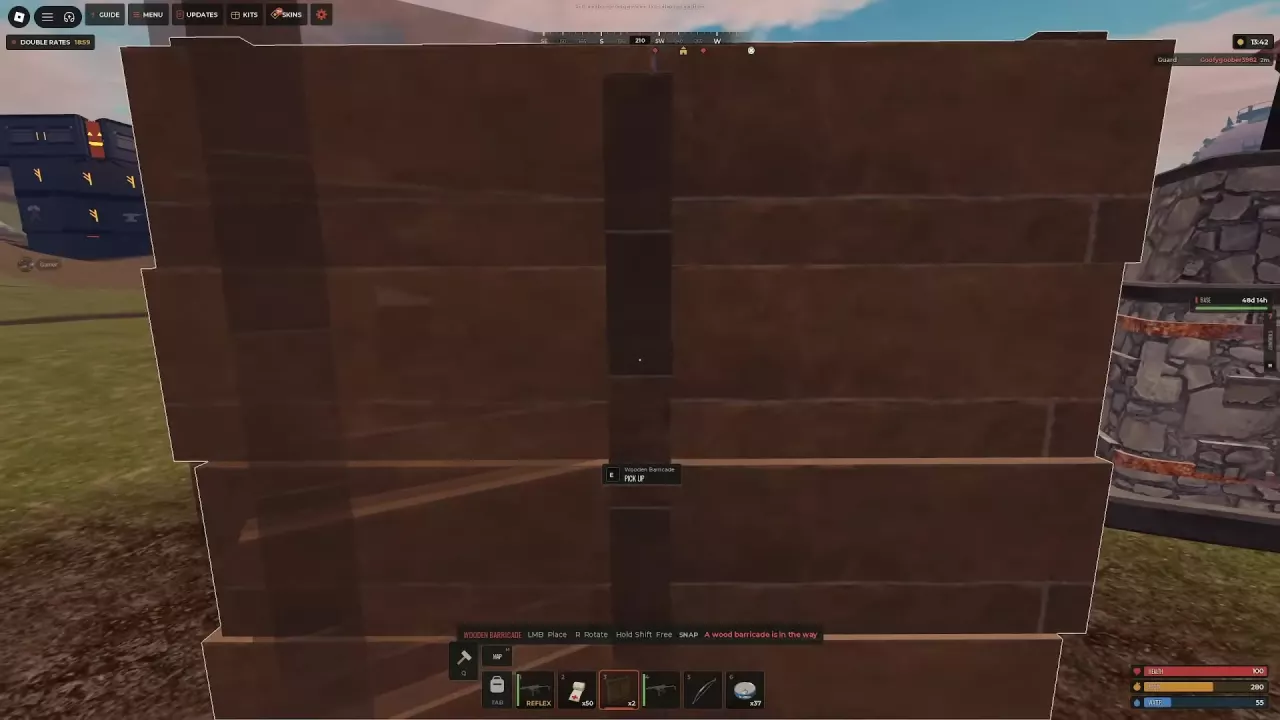
- 250 HP (5x server target HUD)
- Cover
- Taller than the player and provides temporary bullet cover.
Install the Right Door for the Opening
A Wooden Door costs 300 Wood and takes 10 seconds to craft. On a 10x server, the Wooden Double Door recipe costs 450 Wood, takes 2 seconds, and requires no workbench. Choose the wooden option that matches your opening; the 10x crafting time applies to that server recipe.
- Craft or obtain the door, move it to your hotbar and select it.
- Aim a Wooden Door at a Doorway. For a Wooden Double Door or Sheet Metal Double Door, aim at a Wall Frame.
- Left-click when Place in doorway or Place in wall frame appears. If the prompt says Look at a doorway, aim at a suitable opening rather than a bare foundation or wall.
- Press E to open or close the installed door. If Step out of the door's way appears, move out of its swing path and try again.
- Attach a lock, then leave the entrance closed and locked when you are not using it.
Use the building guide to construct the matching opening or change the surrounding building pieces.
Attach a Lock and Manage Access
Craft and attach a Key Lock
A Key Lock costs 75 Wood. The single-lock recipe takes 4 seconds and requires no workbench. For three locks, gather 225 Wood; on a 10x server, the recipe panel displays Time 2s with the quantity set to three.
- Open CRAFTING, select Key Lock, choose your quantity and craft it.
- Move a lock to your hotbar and select it.
- Aim at the door, box or Tool Cupboard you want to secure and attach the lock.
- Look for the placement confirmation: the lock is already locked, and you and your team automatically have the key.
- Aim at the mounted lock and press G to open its interface.
Who can open or manage it?
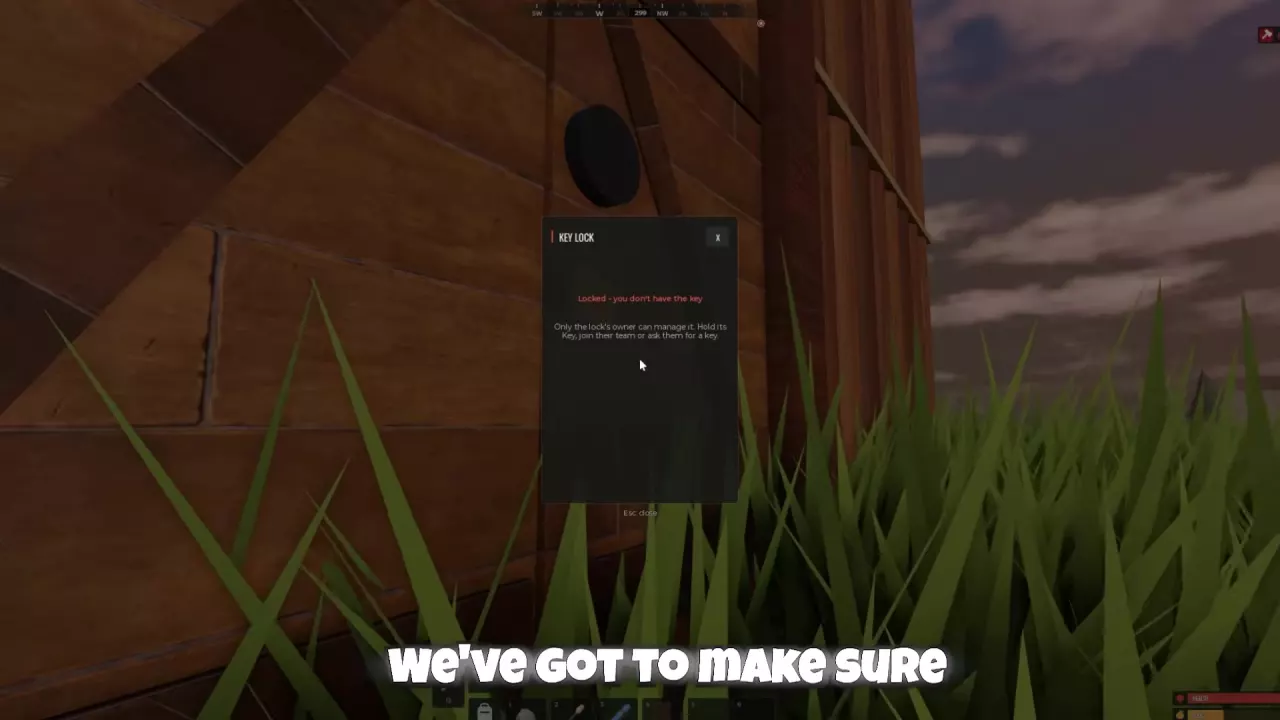
Only the lock owner can manage the lock. Team access lets teammates use the secured entrance without making them its owner.
An E OPEN prompt on a locked door or High Wooden Gate does not mean you have permission to enter. If the lock says you do not have the key, obtain one from its owner or join the owner's team.
Code Locks for a shared base
Consider a Code Lock when building with other players. Select it, aim at a door and left-click to attach it. Wooden Doors and Wooden Double Doors support Code Locks.
Add a Two-Door Airlock
An airlock adds an enclosed entrance area between the outside and your main room. It makes direct entry harder because opening the outer door need not expose the main base.
- Add a triangle foundation beside your existing entrance.
- Enclose the added space with the necessary walls.
- Add another Doorway and install a second door.
- Secure the doors with locks.
Use the space as a buffer: enter through one door, close it behind you, then open the next. Leaving both doors open removes that separation.
For the placement of the entrance relative to storage and other rooms, use the solo stone 2×2 starter-base layout.
Use Window Shutters and Temporary Cover
Protect a window with shutters
Craft Wooden Window Shutters for 100 Wood in 6 seconds, with no workbench required, then install them in a window frame. Open them to look and shoot outside; close them to block bullets. Use them where you want to switch between a firing position and a covered opening.
Deploy a Wooden Barricade
A Wooden Barricade costs 150 Wood, takes 5 seconds to craft and requires no workbench. You can also recover barricades from player backpacks. They stand taller than the player and provide quick cover where there is no suitable wall.
- Select a Wooden Barricade from your hotbar and aim its placement preview at the ground.
- Press R to rotate it, or hold Shift for free placement. The preview can show SNAP or FREE.
- Move the preview away from obstructions. A Large Furnace or another Wooden Barricade can block placement.
- Left-click to place it, then position yourself behind it.
- To retrieve a placed barricade, aim at it and press E PICK UP.
Outside a base, a barricade breaks apart after 10 minutes. Use it for temporary protection rather than a lasting perimeter. Barricades also lose health under gunfire, and standing near one does not protect you from every angle. Keep the cover between you and the attacker; see the combat guide for using cover while reloading or healing.
Repair and Strengthen the Entrance
Equip a Hammer and aim at a Sheet Metal Double Door or Armored Double Door. Use left-click for Repair or right-click for Pick up / Flip, following the door's interaction prompt.
Prioritize a stronger double door when you want more entrance durability, but strengthen the surrounding structure too. Upgrade the walls and frame through the building guide, and keep the base supplied through its Tool Cupboard and upkeep.
Door HP alone does not establish an explosive budget. If you want to assess how an entrance could be breached, use the conditional raid-cost guide with the relevant server conditions and target health.