
How to Use the Recycler in Fust Survival
Last updated:
The Recycler turns spare components into useful resources. Bring your unwanted loot to Outpost, but set aside parts needed for your next crafting goal first.
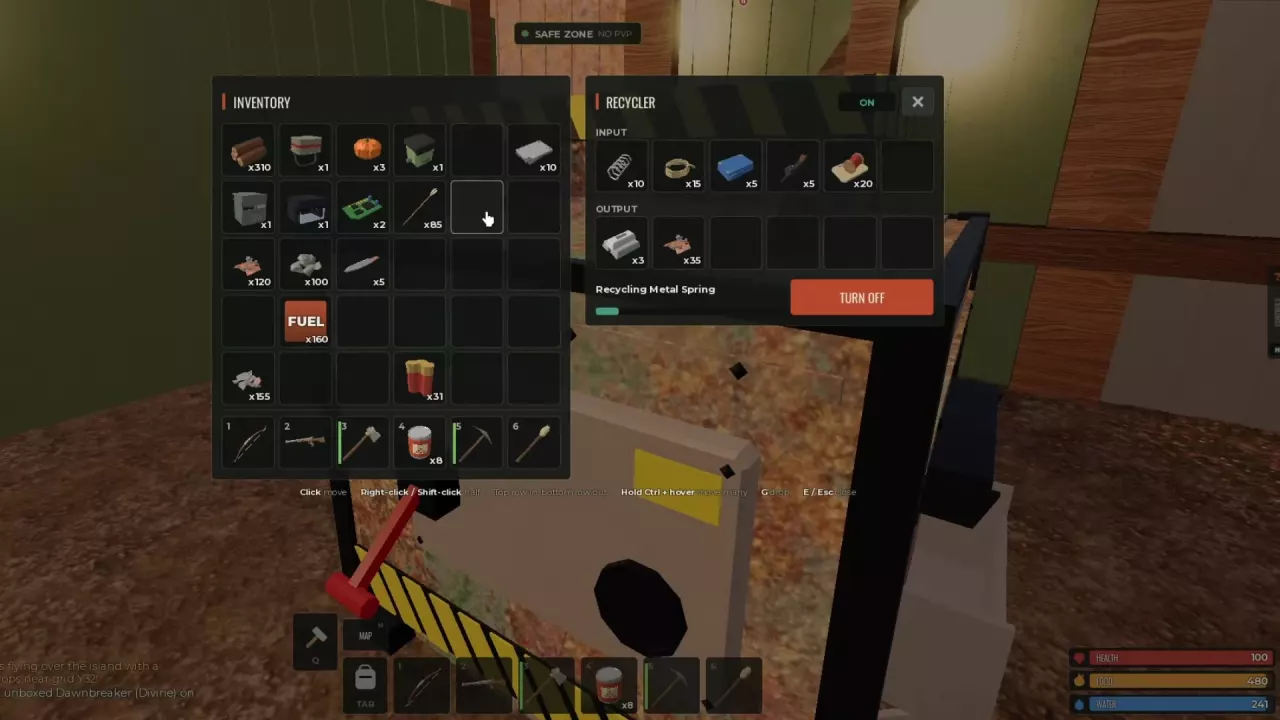
Find the Recycler at Outpost
Find Outpost on the map and enter through its marked entrance. Outpost is a safe zone where PvP and building are prohibited. Follow the signs inside for the Recycler, then face the machine and press E at the OPEN prompt.
For more help navigating to locations and finding Outpost services, see the map and monument guide.
Load, Start, Collect and Stop
- Move the components you want to recycle from your inventory into the upper INPUT row.
- Select TURN ON. The machine displays ON, the item being processed, and a progress bar.
- Move finished resources from the lower OUTPUT row into your inventory. You can add more recyclable items while the machine runs.
- Select TURN OFF when you want to stop processing. Press E or Esc to close the interface; closing it and stopping the machine are separate actions.
Click to move an item, right-click or Shift-click to split a stack in half, or hold Ctrl and hover to move multiple items.
Recyclable Components and Locks
You can put these items in a Recycler:
- Gears
- Metal Pipe
- Metal Spring
- Rope
- Tarp
- Semi Body
- Sewing Kit
- Metal Blade
- Code Lock
Metal Springs can produce Scrap and materials; Gears can be recycled for additional materials. Save components you need for crafting before putting the surplus into INPUT.
Keep Your Next Recipe's Components
If you are working toward a Revolver, keep 2 Metal Springs and 2 Metal Pipes before recycling extras. The recipe also needs 500 Metal Fragments and a Level 1 Workbench. See the weapons guide for more weapon options.
If you need Scrap for ammunition and have components with no current crafting use, recycle the spares. The Scrap Shop guide lists weapon and ammunition prices on 5x servers, while the resources guide covers other material sources and uses.
Related guides
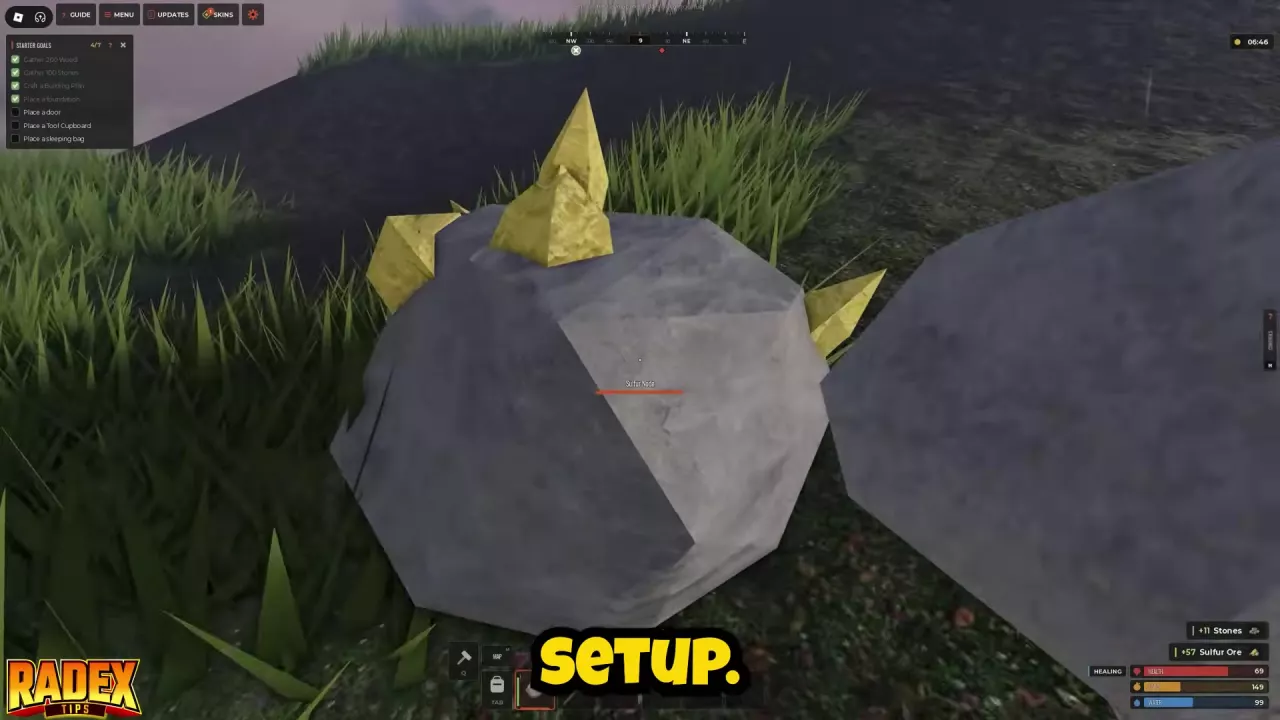
Find Fust Survival resources, from Cloth and ores to Metal Fragments, Scrap and fuel. Compare sources, plan crafting supplies and choose what to recycle.
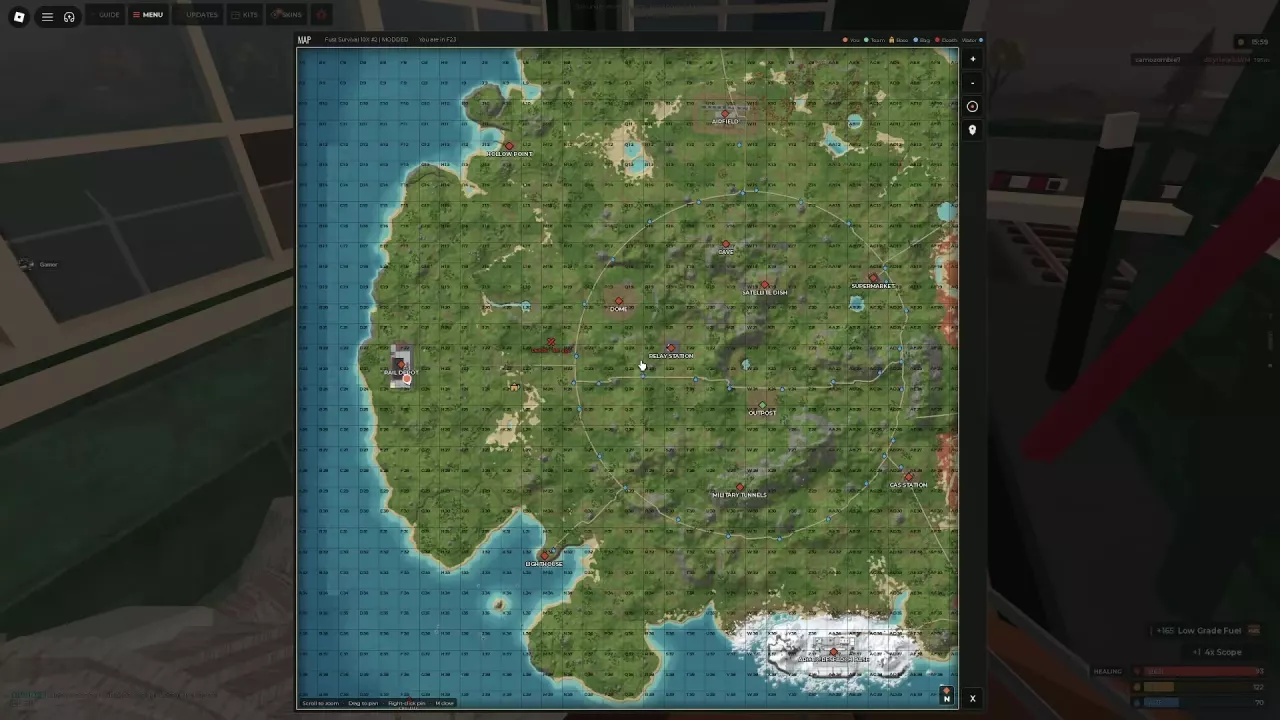
Navigate the Fust Survival map with grid coordinates and markers, find Outpost services, and choose monument routes for your equipment and loot goals.
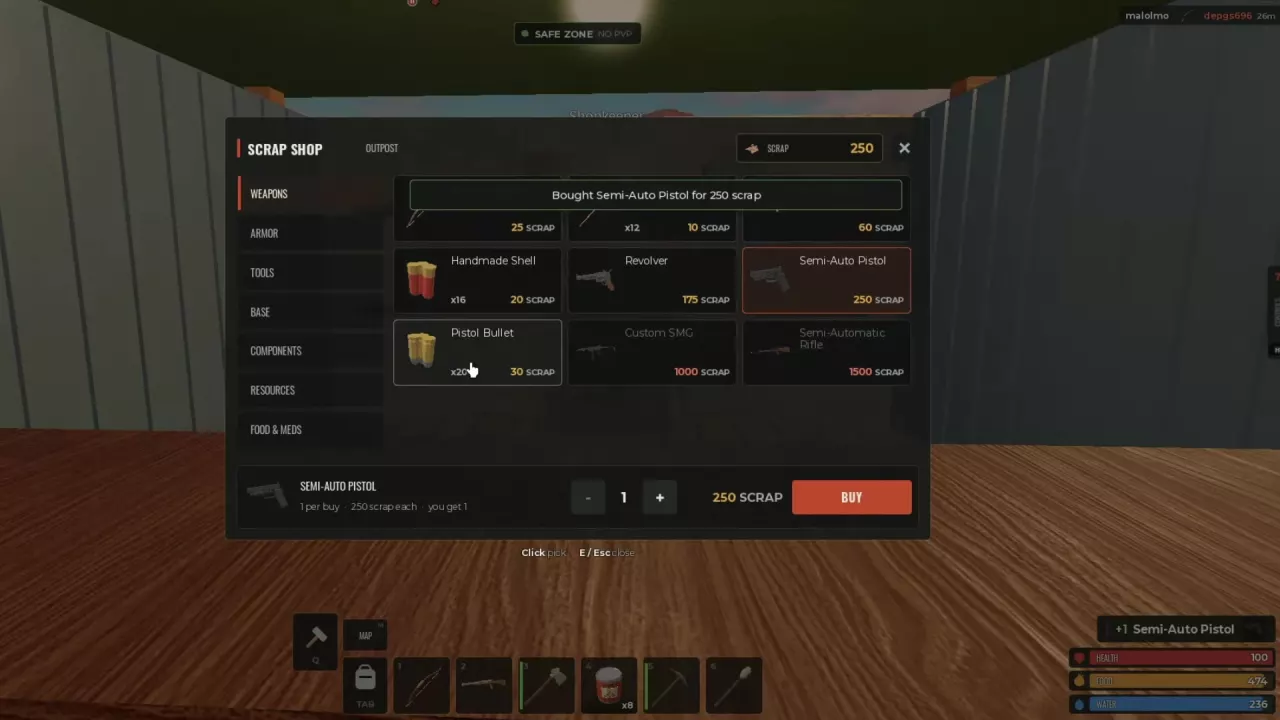
Find Fust Survival weapon ammo, loot sources and workbench requirements. Learn how to get your first gun and craft a Hunting Bow or Revolver.
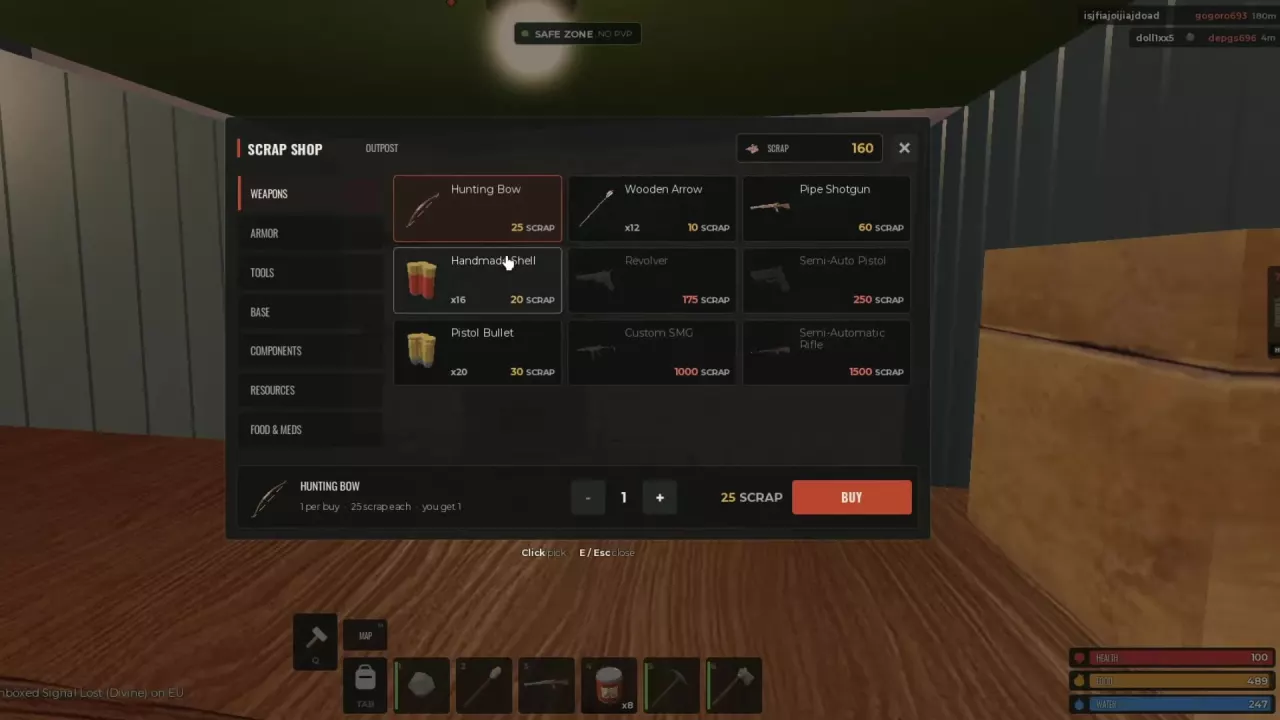
Compare all nine Fust Survival 5x weapon-shop prices, ammo pack sizes, and weapon-plus-ammo budgets. Learn how to buy from Outpost's Shopkeeper.